

Product Description
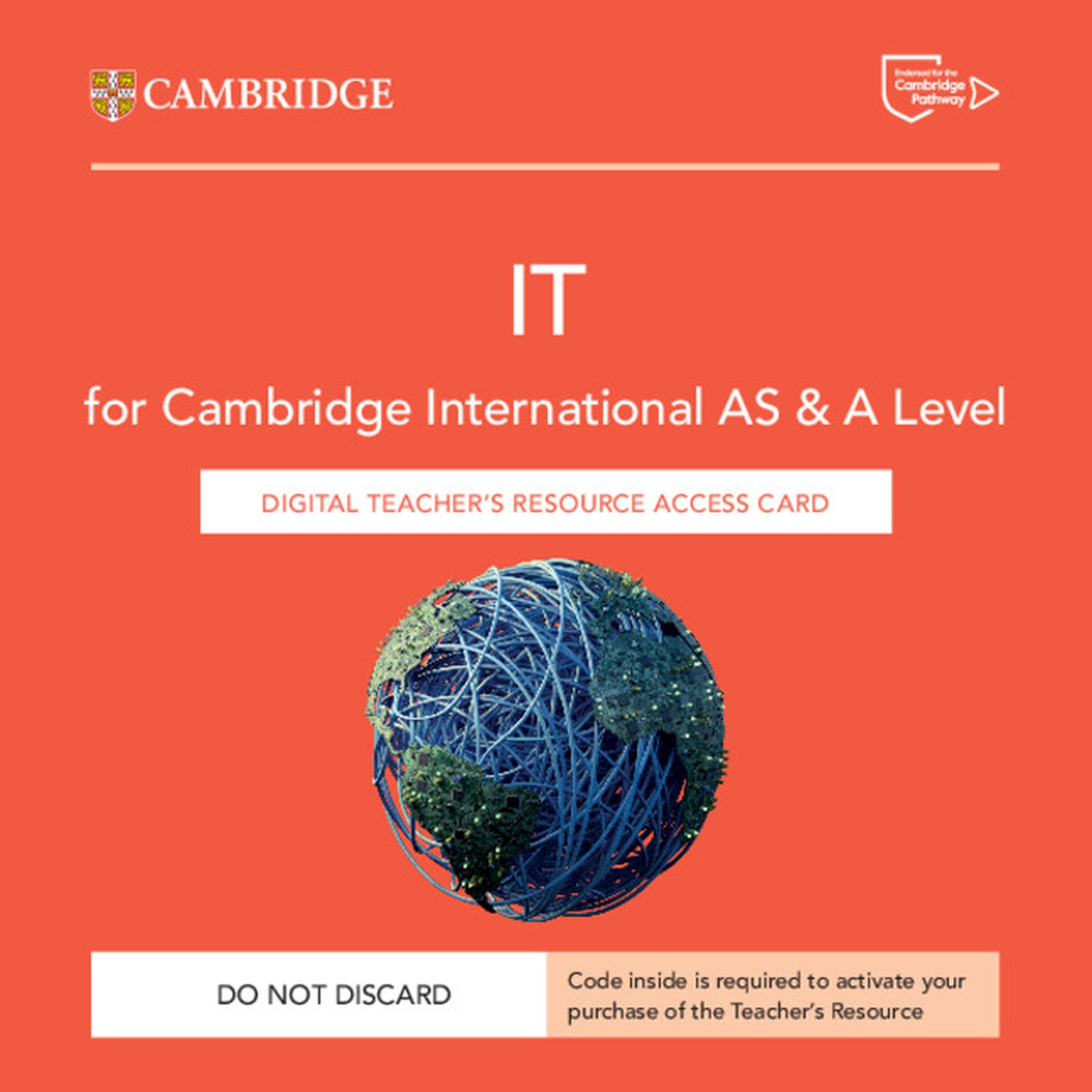
 DIGITAL - Cambridge International AS & A Level IT Digital Teacher's Resource Access Card
Format: Digital
This digital teacher's resource helps support your lesson planning. It includes customisable teaching guides for each chapter, which include lesson plans, homework ideas and advice on how to tackle common misconceptions.
You will also find recommended resources such as videos, websites and news articles to help extend and deepen your learners' knowledge. Teaching ideas cover a range of active learning opportunities including group work, research and discussion questions.
You can access your digital resource via Cambridge GO, where you will also find suggested answers for all questions in the coursebook and workbook and digital copies of the coursebook and workbook for your reference.
 Features:
-
A case study bank with activities and questions embedded, helps you provide learners with numerous real-world examples such as coral reef degradation and opportunities to practise critical thinking and research skills.
-
Includes detailed lesson planning notes and practical guidance on teaching approaches such as active learning and metacognitive reflection.
-
Guidance on formative assessment techniques helps you support learners through the numerous assessment opportunities in the coursebook and workbook.
-
'Support' and 'Challenge' suggestions for every main teaching idea help you support and stretch your learners.
-
Worksheets with engaging classroom or homework activities help you develop your learners' knowledge and skills.
 Contents:
-
Introduction
-
About the authors
-
How to use this series
-
How to use this Teacher's Resource
-
About the syllabus
-
About the examinations
-
Approaches to teaching and learning
-
Chapter 1. Data and Information Teaching Notes
-
Chapter 2. Hardware and software Teaching Notes
-
Chapter 3. Monitoring and control Teaching Notes
-
Chapter 4. Algorithms and flow charts Teaching Notes
-
Chapter 5. E-Security Teaching Notes
-
Chapter 6. The Digital Divide Teaching Notes
-
Chapter 7. Expert Systems Teaching Notes
-
Chapter 8. Spreadsheets Teaching Notes
-
Chapter 9. Modelling Teaching Notes
-
Chapter 10. Databases and file concepts Teaching Notes
-
Chapter 11. Sound and video editing Teaching Notes
-
Chapter 12. IT in society Teaching Notes
-
Chapter 13. New and Emerging Technologies Teaching Notes
-
Chapter 14. Communications technology Teaching Notes
-
Chapter 15. Project management Teaching Notes
-
Chapter 16. System life cycle Teaching Notes
-
Chapter 17. Data analysis and visualisation Teaching Notes
-
Chapter 18. Mail merge Teaching Notes
-
Chapter 19. Graphics creation Teaching Notes
-
Chapter 20. Animation Teaching Notes
-
Chapter 21. Programming for the web Teaching Notes
-
Worksheets
-
Glossary
-
Coursebook Answers
-
Teacher's Resource Answers.
For custom orders and quotes: shop@schoolspace.co.za
© 2026 Schoolspace. This product description is the exclusive intellectual property of the publisher, protected under copyright law. Unauthorized use, adaption, or copying is strictly prohibited.