

Product Description
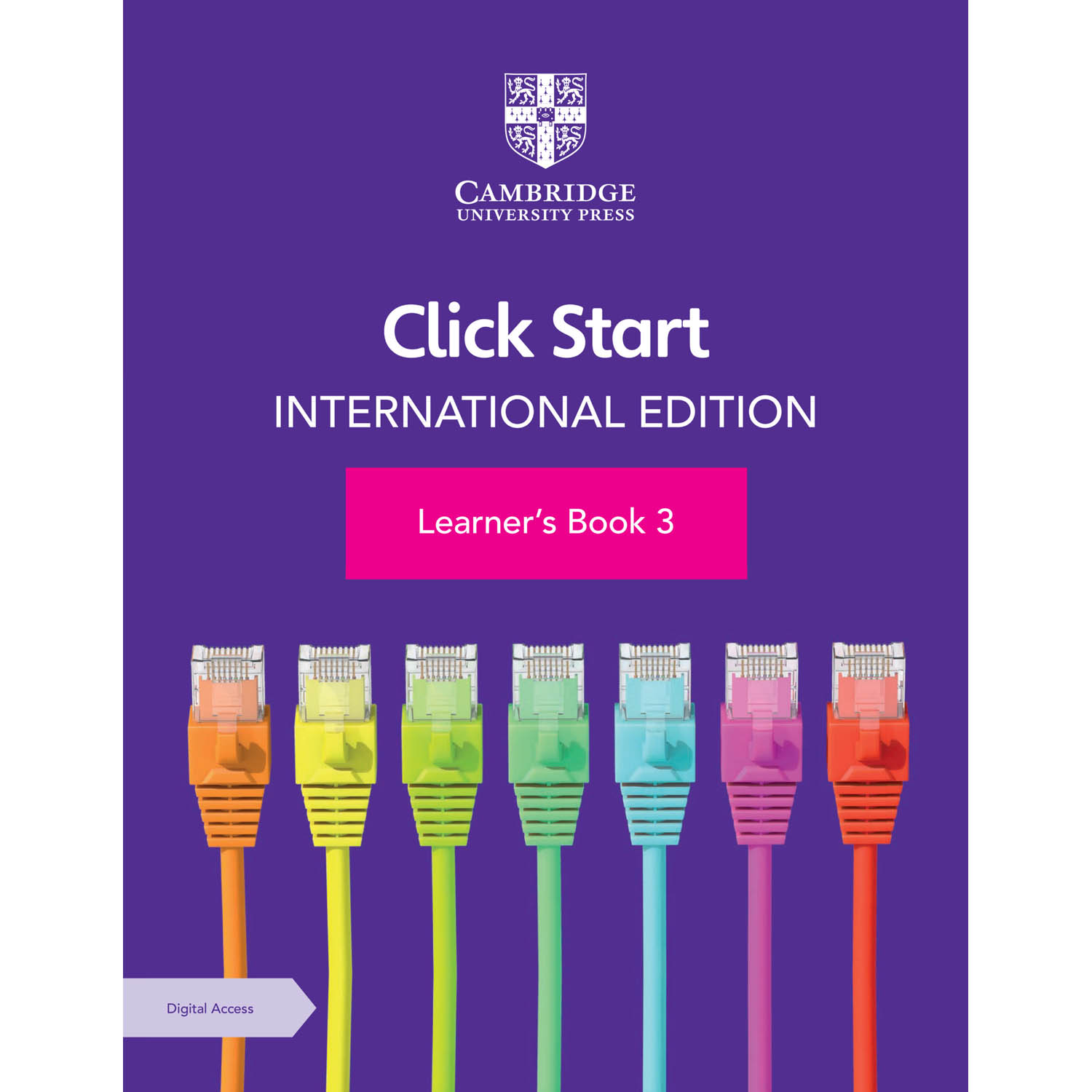
 Cambridge Click Start International Edition Learner's Book 3 with Digital Access (1 Year)
Authors: Anjana Virmani, Shalini Harisukh
Format: Physical Hardcopy
Introduce learners to programming and develop ICT skills with this series for 5-14 year olds. Packed with write-in activities, this learner’s book helps students understand how to navigate Microsoft Windows, builds on their knowledge of MS Word and Paint and begins basic programming with MS Logo.
Step-by-step instructions and clear pictures support learners through each unit, while activities like drawing shapes using MSW Logo, helps them develop the problem-solving and computational thinking skills to tackle computing problems efficiently. You can also access additional activities and resources including slide shows, videos and interactive self-marking questions in the accompanying digital resource.
 Features:
-
‘Snap Recap’ and learning objectives at the start of each unit help you assess your learner’s prior knowledge and focus on what they will be covering.
-
Activities at the end of each major topic provide opportunities for learners to use their analytical skills.
-
‘Quick Key’ and ‘Try This’ features offer relevant short cuts and useful tips.
-
‘You Are Here’ provides a quick summary to consolidate learning.
-
‘Lab Work’ activities and ‘Project work’ give learners the chance to apply concepts through practical exercises.
-
‘Who am I?’ includes short biographies to inspire learners.
 Contents:
-
Know your Computer
-
2. Using Windows
-
3. MS Word 2010 Interface
-
4. Using Paint tools
-
5. Using text tool in Paint
-
6. Advanced Paint
-
7. Tux Paint - introduction
-
8. MSWLogo - Introduction
-
9. MSWLogo - Basic Commands
-
10. Sample paper.
For custom orders and quotes: shop@schoolspace.co.za
© 2026 Schoolspace. This product description is the exclusive intellectual property of the publisher, protected under copyright law. Unauthorized use, adaption, or copying is strictly prohibited.